
Posts
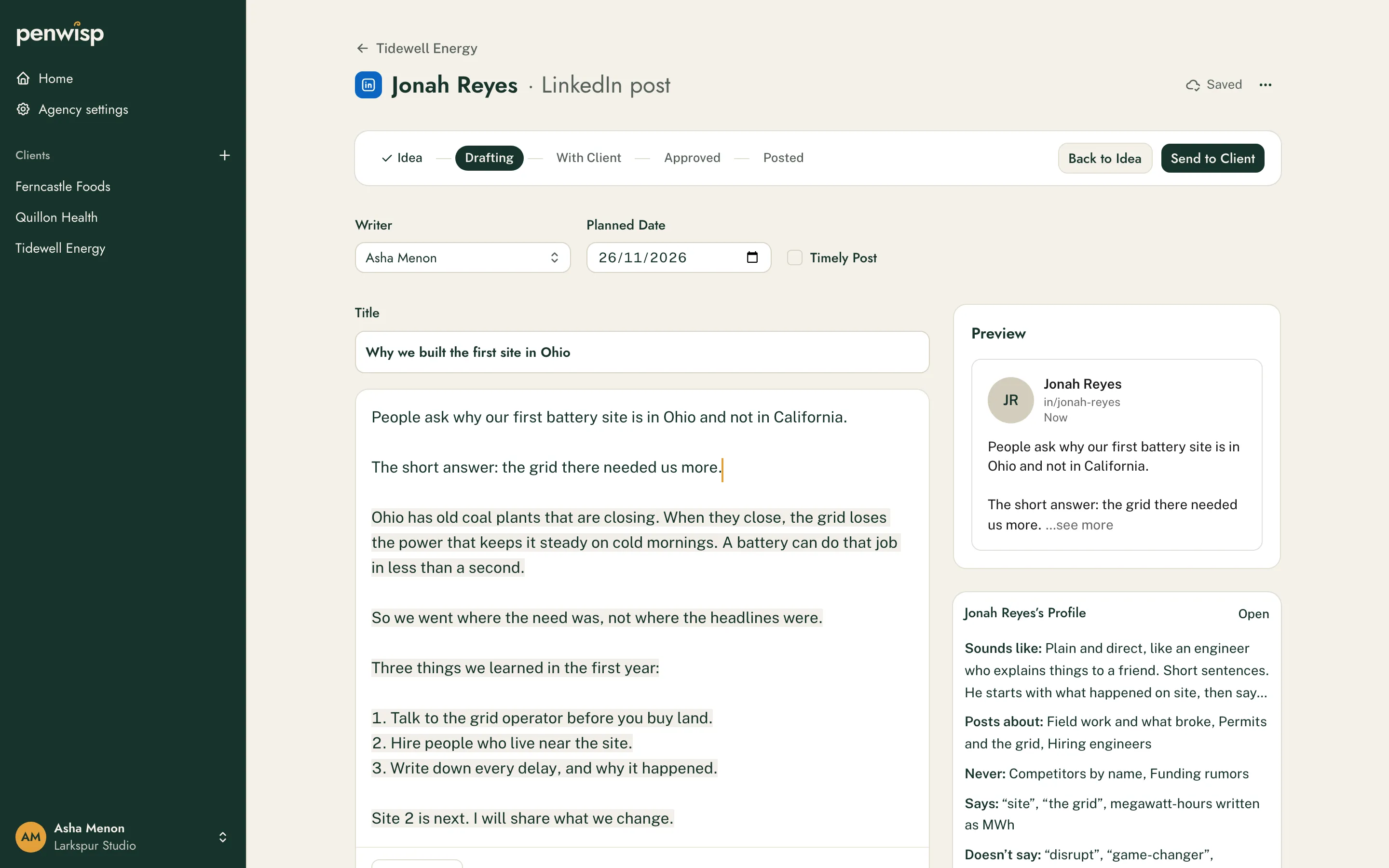
A Post is the writing for one Account, in one Format, owned by one Writer. An X thread is one Post, however many Thread items it has.
Each Post has:
- A title. Only Writers see it. It does not go out with the Post.
- Its text and images, in the shape of its Format.
- A Writer, who owns it.
- A Planned Date, if you want one. This is the day on which the Post is meant to go out.
- A Timely mark, if it is a Timely Post.
How a Post moves
Section titled “How a Post moves”A Post moves through five states, in this order:
- Idea. You captured it with just a title. It stays an Idea, even with some text, until you move it.
- Drafting. You are writing it.
- With Client. You showed it to the Client for feedback, outside Penwisp.
- Approved. The Client said yes.
- Posted. The Post went out on X or LinkedIn.
A Writer moves the Post by hand at every step. Penwisp does not move a Post for you, and it does not post to X or LinkedIn. You can move a Post one step forward or one step back at a time.
Posted
Section titled “Posted”When you mark a Post as Posted, you enter the day on which it went out, and its link if you want. The day decides the Client Month in which the Post counts toward its Commitment. The day cannot be after today.
Saving
Section titled “Saving”Penwisp saves your text while you write. Beside the Post, a note says if it is saved. If Penwisp cannot save, the note says why, such as “Not saved: needs a title”. Your text stays on the screen until you fix the cause.
If another Writer saves the same Post while you have it open, Penwisp tells you. Your text stays, and you choose whose text to keep: Keep mine or Use theirs.
Delete a Post
Section titled “Delete a Post”You can delete an Idea or a Post in Drafting, if it went nowhere. Its text and images go too. After a Post goes to the Client, it stays.