
Add a Client
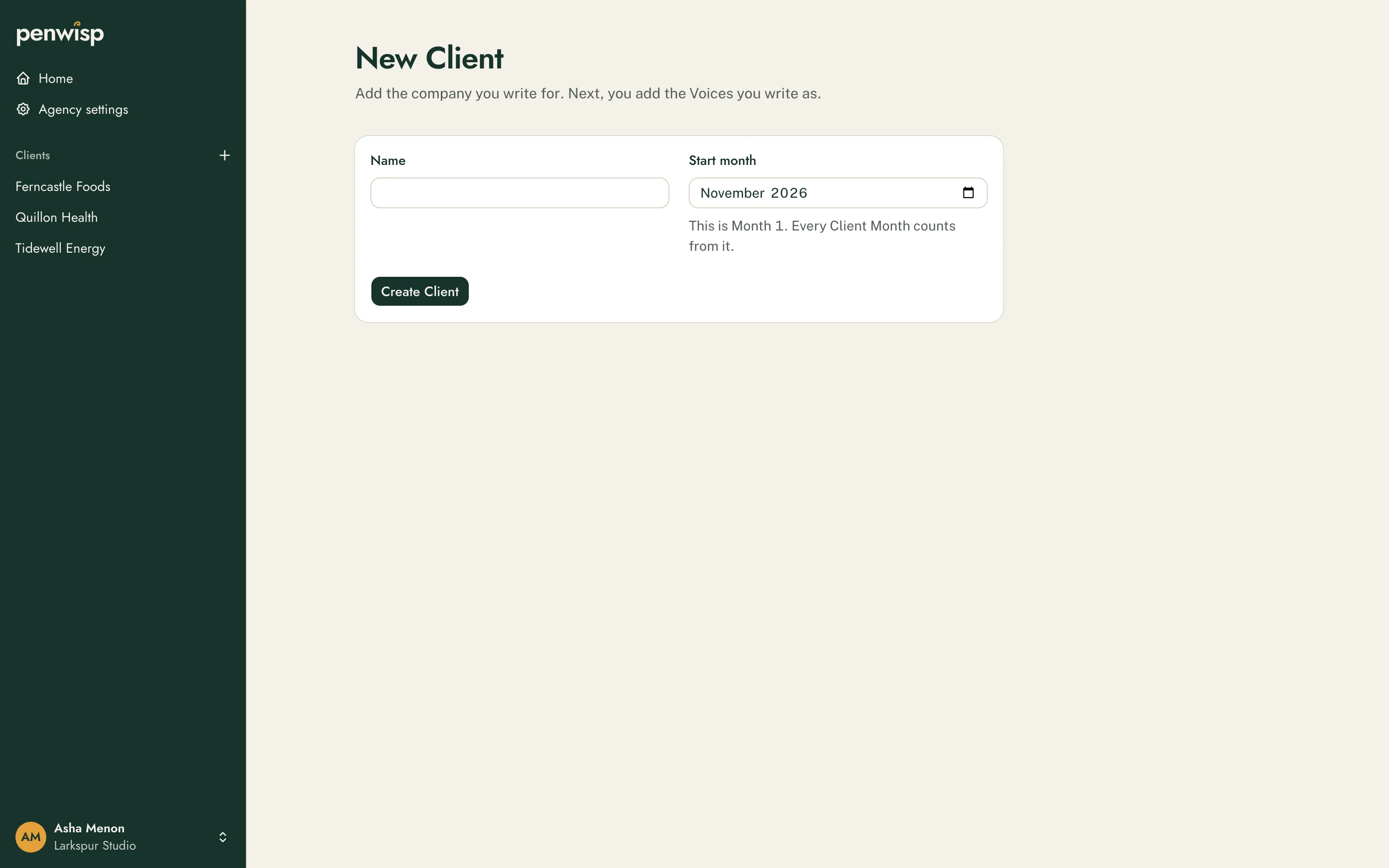
- On Home, select New Client.
- In Name, enter the name of the company.
- In Start month, enter the first month that you write for the Client. This month is Month 1. Penwisp fills in this month for you.
- Select Create Client.
Penwisp opens the Setup tab of the Client. Next, add its Voices and Accounts.
Change the name or the start month
Section titled “Change the name or the start month”- Open the Client, and select the Setup tab.
- In Client details, select Edit.
- Change the name or the start month.
- Select Save.
If an Account of the Client has a Commitment, the start month cannot move. See Clients.