Formats
A Format is the shape of a Post. There are three Formats:
| Format | Platform | Character limit |
|---|---|---|
| X post | X | 280, or 25,000 with long posts |
| X thread | X | 280 for each Thread item, or 25,000 with long posts |
| LinkedIn post | 3,000 |
You choose the Format when you capture the Idea. An X Account takes X posts and X threads. A LinkedIn Account takes LinkedIn posts. Any Format can have images.
X threads
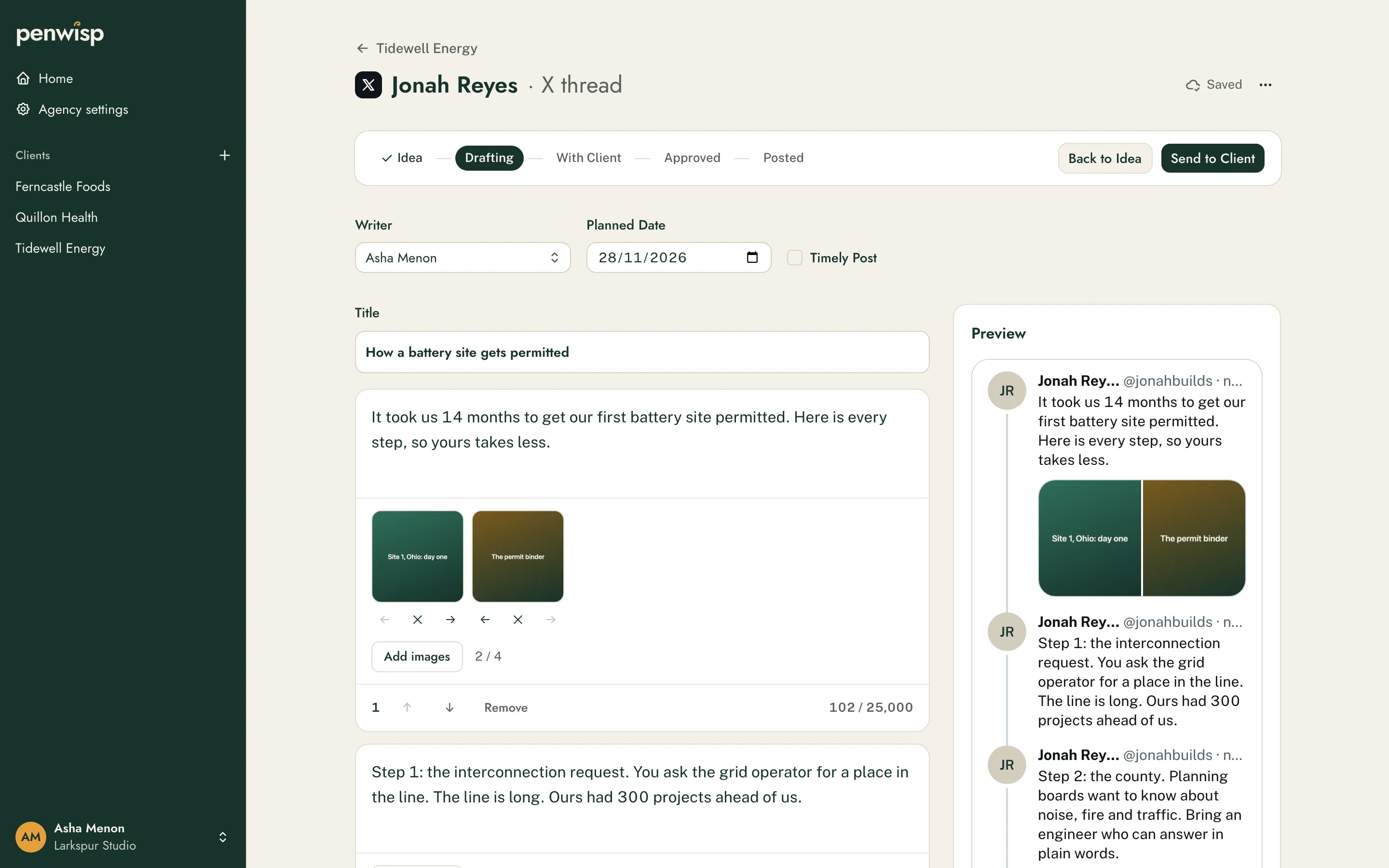
Section titled “X threads”An X thread is a list of Thread items. X shows each Thread item as a post of its own, joined to the next one. Each Thread item has its own character limit and its own images. You choose the order of the items. See Write an X thread.
Counters
Section titled “Counters”Under the text, a counter shows how many characters you used, out of the limit. It changes color near the limit. Past the limit, it says how many characters are over. Penwisp does not save text that is over the limit.
Penwisp counts characters as X and LinkedIn count them:
- On X, most letters count as 1, and an emoji counts as 2. A link counts as 23, whatever its length.
- On LinkedIn, every character counts as 1, and an emoji counts as 1.
Where the feed cuts the text
Section titled “Where the feed cuts the text”LinkedIn shows the start of a post, then “…see more”. It cuts the text after about 210 characters or 3 lines. On X, the timeline cuts a long post after 280 characters, then shows “Show more”.
Penwisp marks this place in your text, so that you can see what readers see before they open the post. The preview beside your text shows the post as the feed shows it.