
Images
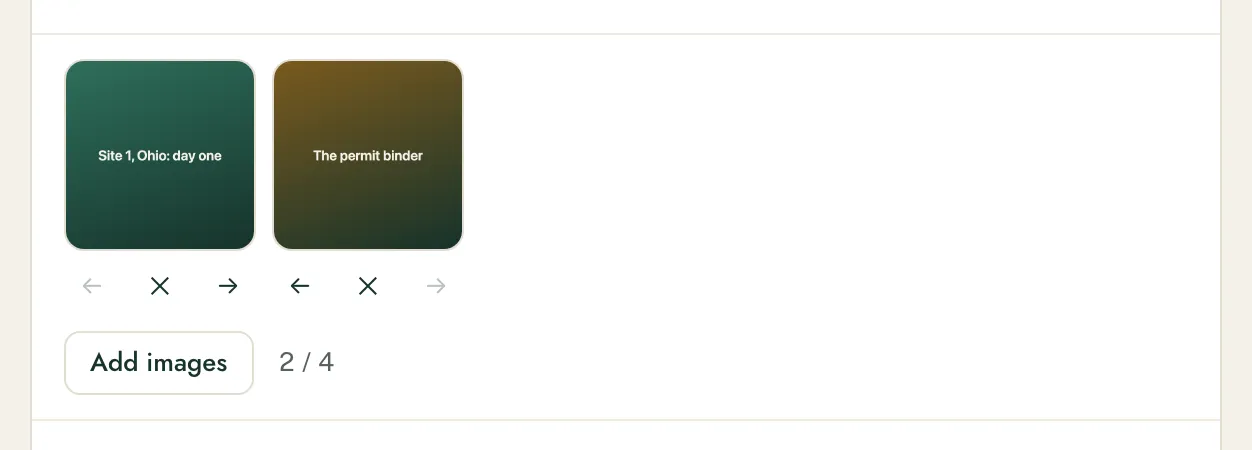
Any Post can have images. An X post has its images, each Thread item of an X thread has its own images, and a LinkedIn post has its images. You can change their order and remove them. See Add images.
What each platform takes
Section titled “What each platform takes”Penwisp takes the images that X and LinkedIn take:
| Platform | Images | Files |
|---|---|---|
| X | Up to 4 on an X post, or on each Thread item | JPEG, PNG and WebP up to 5 MB, GIF up to 15 MB |
| Up to 20 on a LinkedIn post | JPEG, PNG and GIF up to 5 MB |
If a file is too large, or the platform does not take it, Penwisp tells you and does not add it. When a Post has as many images as the platform shows, you cannot add more.
When an upload stops
Section titled “When an upload stops”If an upload does not finish, Penwisp says so. Penwisp does not save a Post that shows an image with no file. Remove the image, then add it again.