
Getting started
Penwisp is a writing tool for the people who write X and LinkedIn posts for a company and its founders. In Penwisp, each of these people is a Writer. You write every Post in Penwisp, and Penwisp keeps count of what you promised each Client every month.
Only Writers sign in. Your Clients do not sign in, and they do not see Penwisp.
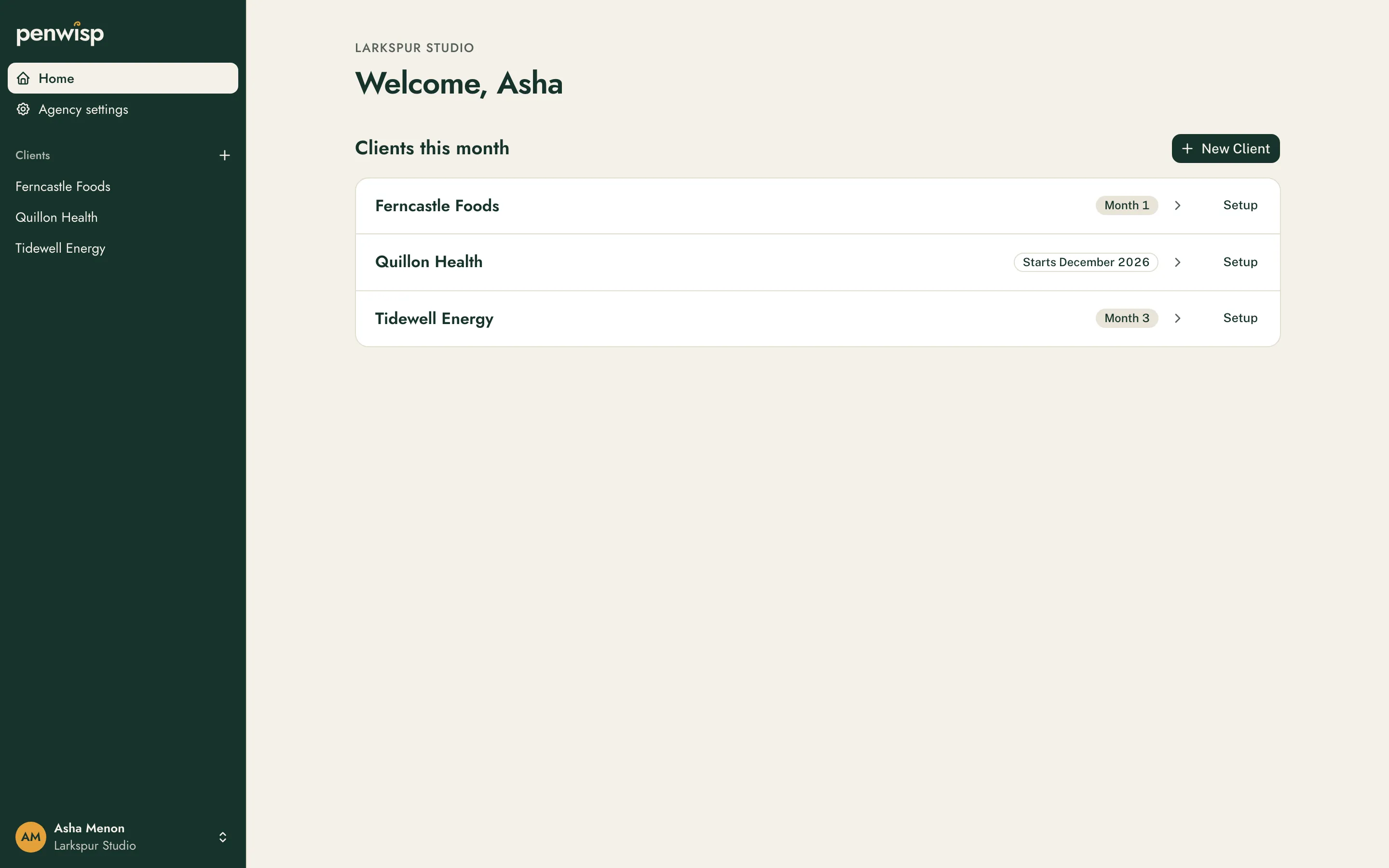
How it fits together
Section titled “How it fits together”These are the ideas that Penwisp uses on every screen:
- Your Agency is you and the Writers who work with you.
- A Client is a company that you write for.
- A Client Month is a month counted from the month that the Client started.
- A Voice is a person that you write as, or the company itself.
- An Account is one Voice on one platform, such as a founder on X.
- A Commitment is the number of Posts that you promise for one Account each Client Month.
- A Post is the writing for one Account, in one Format.
Set up Penwisp
Section titled “Set up Penwisp”- Sign in and create your Agency.
- Add a Client.
- Add the Voices and Accounts that you write as for the Client.
- Write a Profile for each Voice.
- Set a Commitment for each Account that has one.
- Write a Post.
To work with other Writers, invite them to your Agency.